














Office Ergonomics Guide: Correct Posture, Chair and Desk Settings
Today, a large portion of employees spend an average of 7 to 10 hours a day sitting. This prolonged inactivity and poor posture can lead to lower back, neck, and back pain, circulatory disorders, and decreased productivity over time. This is precisely where office ergonomics comes into play. In this comprehensive guide, we will step by step address the scientific principles that will protect your body health, increase your energy, and boost your work performance.
What is Ergonomics?
Ergonomics, derived from the Greek words “ergon” (work) and “nomos” (law), is the science of fitting the job to the person. Simply put, it is designing the work environment, tools, and tasks according to the physical and cognitive limits of the human body. Office ergonomics, on the other hand, aims to minimize the strain on the musculoskeletal system of an individual working at a desk. Correct ergonomic arrangements play a critical role in preventing occupational disorders such as herniated discs, cervical straightening, and carpal tunnel syndrome. It also accelerates blood circulation, enhancing mental focus and delaying fatigue. Remember, ergonomics is not a luxury but a fundamental necessity for a healthy and sustainable working life.
Correct Sitting Position
The ideal sitting position is a posture that preserves the natural curves of the spine and distributes the load evenly. To achieve this position, the following points should be considered:
- Head and Neck: The head should be upright, with ears aligned with the shoulders. The chin should be parallel to the floor, and the neck should be slightly retracted (double chin position).
- Shoulders: Shoulders should be relaxed and back, with the shoulder blades slightly drawn together.
- Back and Lower Back: The back should be straight, maintaining the natural curve of the lower back (lumbar lordosis). Lumbar support should fill this curve.
- Hips and Knees: Hips should be pushed back against the chair, knees bent at a 90-degree angle, and positioned at or slightly below hip level.
- Feet: The soles of the feet should be flat on the floor, with no space under the knees. A footrest should be used if necessary.
Maintaining this position can reduce the pressure on the spine by up to 40%. However, it should be considered a dynamic starting point, not a static posture.
Office Chair Adjustments (Height, Lumbar Support, Armrests)
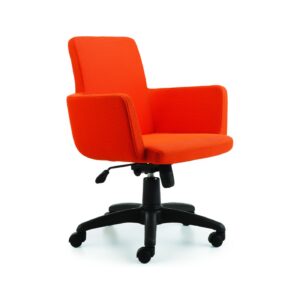
An ergonomic office chair is the foundation of a correct sitting position. Configuring the chair settings according to your personal body measurements ensures comfort and health during hours of work.
Chair Height Adjustment
The ideal chair height is where your thighs are parallel to the floor and the soles of your feet are flat on the ground. Your knees should be at a 90-degree angle, positioned at or 1-2 cm below hip level. If the chair is too high, your feet won’t rest flat, creating pressure under the thighs. If too low, your knees will be higher than your hips, disrupting the lumbar curve. The correct height also allows you to comfortably place your legs under the desk.
Lumbar Support Adjustment
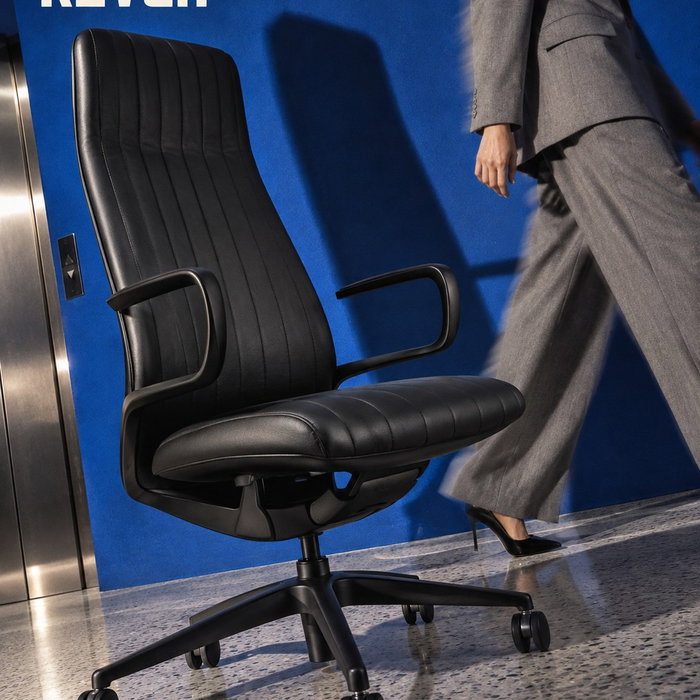
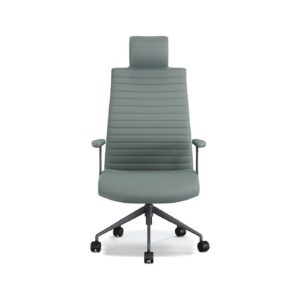
Lumbar support helps maintain the natural inward curve (lumbar lordosis) in the lower part of the spine. The height of the lumbar support should correspond to the point where your spine curves inward the most (usually just above your waist, 10-15 cm above the tailbone). The depth of the support should be adjusted so that when you lean back, there is no gap between your lower back and the chair. Too little support leaves the lower back unsupported, while too much pushes it forward. Kavela’s ergonomic office chairs allow for this precise adjustment with adjustable lumbar supports and synchronized back mechanisms.
Armrest Adjustment
Armrests are used to relax the shoulder and neck muscles. When your elbows are at a 90-degree angle and your arms are close to your body, the height of the armrests should be just below your elbows. If the armrests are too high, your shoulders will rise; if too low, it will cause you to lean forward. The width of the armrests should also match your shoulder width, not leaving your arms unsupported. Using armrests while typing or using the mouse can reduce the load on the arms by up to 30%.
Desk Height and Legroom
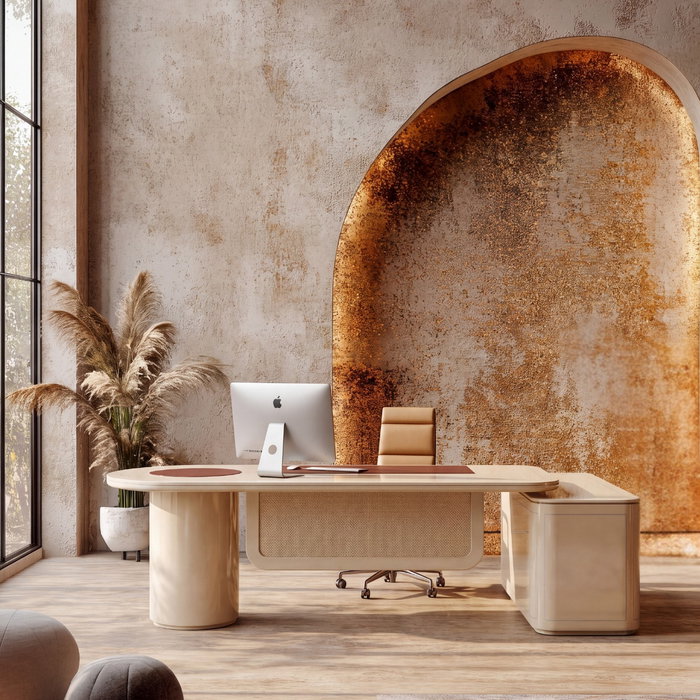
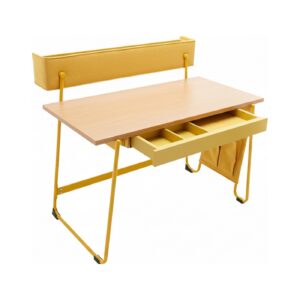
Desk height complements the correct sitting position. The standard office desk height is usually between 72-75 cm. However, this height is ideal for users between 1.70-1.80 m tall. If your height is outside this range, using a height-adjustable desk is recommended.
To determine the correct desk height, you can use this method: With your elbows bent at 90 degrees and arms at your sides, there should be a 2-3 cm gap between the underside of your forearm and the desk surface. If the desk is too high, your shoulders will rise, leading to neck pain. If too low, it will cause you to lean forward, resulting in back pain.
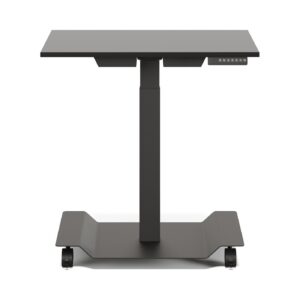
Legroom is just as important as desk height. There should be enough space under the desk to comfortably extend your legs and move your knees between 90-110 degrees. This space should be at least 60 cm wide, 50 cm deep, and 65 cm high. Drawers or cables under the desk should not restrict this area. Height-adjustable desks completely eliminate this problem, offering the possibility to work both sitting and standing.
Monitor, Keyboard, and Mouse Position
Correct equipment positioning is vital in preventing neck, shoulder, and wrist pain.
Monitor Position
Your monitor should be directly in front of you and at eye level. The top edge of the screen should be at eye level or 2-3 cm below. This allows you to keep your head upright. The distance between you and the monitor should be an arm’s length (approximately 50-70 cm). If the screen is too far, you’ll squint; if too close, you’ll experience eye strain. If using dual monitors, the primary monitor should be directly in front of you, and the secondary monitor slightly to the side and at the same height.
Keyboard Position
The keyboard should be directly in front of you, at a height where your forearms are parallel to the floor when your elbows are at a 90-degree angle. When using the keyboard, your wrists should be straight (in a neutral position), not bent up or down. If you use a keyboard wrist rest, it should support your palms, not your wrists. Positioning the keyboard 10-15 cm away from the edge of the desk prevents you from resting your wrists on the desk.
Mouse Position
The mouse should be right next to the keyboard and at the same height. When using the mouse, your arm should be close to your body, your elbow at 90 degrees, and your wrist straight. Your palm and fingers should be relaxed when gripping the mouse, not overly tight. Instead of resting your wrist on the desk while using the mouse, move your entire forearm. Ergonomic vertical mice can reduce the risk of carpal tunnel syndrome by maintaining the natural position of the wrist.
Breaks, Movement, and Active Sitting
Even the most ergonomic chair and desk setup is not enough for sitting in the same position for hours. The body is designed for movement. Therefore, taking regular breaks and moving is an integral part of ergonomics.
- 20-20-20 Rule: Every 20 minutes, look at something 6 meters away for 20 seconds. This reduces eye strain.
- 50-10 Rule: Take a 10-minute break after every 50 minutes of work. During this time, get up from your chair, walk, and stretch.
- Active Sitting: Instead of staying motionless in your chair, change positions frequently. Rock slightly back and forth, adjust your lumbar support, move your feet. Dynamic sitting increases blood circulation and stimulates muscles.
- Stretching Exercises: During breaks, perform neck, shoulder, back, and wrist stretches. Tilting your head side to side, rolling your shoulders, and reaching your arms up are simple but effective exercises.
Just 5-10 minutes of short walks a day can reduce the risk of lower back pain by up to 30%. Movement is essential not only for physical health but also for mental clarity and creativity.
Ergonomics in the Home Office
With the widespread adoption of remote work, home office ergonomics has become even more important. While it may not always be possible to set up a professional arrangement like in the office when working from home, you can protect your health with some basic principles.
- Don’t Use Kitchen or Dining Tables: These tables are often too high or too low. If possible, get a height-adjustable desk. If not, adjust your chair height and monitor accordingly.
- Don’t Work on a Bed or Couch: These positions can seriously harm your spine. Work sitting upright in a chair with lumbar support.
- Natural Light and Ventilation: Position your workspace near a window. Natural light reduces eye strain, and fresh air provides vitality.
- Cable Management: Organize cables to eliminate tripping hazards. Use wireless equipment to increase your freedom of movement.
- Housework and Work Balance: Doing short household chores during breaks (hanging laundry, washing dishes) allows you to move and gives your mind a rest.
Even if you are not as disciplined in your home office as in the office, applying ergonomic principles makes a big difference in the long run. Remember, a healthy workspace is the key to a productive workday.
Frequently Asked Questions
What should I consider before buying an ergonomic office chair?
When choosing an ergonomic office chair, pay attention to features such as adjustable height, lumbar support, armrests, and backrest tilt angle. The chair should fit your body measurements and provide full support. Additionally, the chair being made of breathable fabric is important for comfort during long-term use. Always try out the chair before purchasing and configure its settings according to your personal needs.
How do I correctly adjust the height of my monitor?
The top edge of your monitor should be at eye level or 2-3 cm below. To do this, you can use books or a monitor stand under the monitor. After bringing the screen to eye level, make sure you can look at the screen with your head upright. Placing the monitor too high can cause neck pain, while placing it too low can cause back pain.
What are the benefits of using a standing desk?
A standing desk reduces the negative effects of prolonged sitting. Standing while working increases calorie burn, accelerates blood circulation, and lowers the risk of lower back pain. Additionally, standing can increase mental alertness and focus. However, it is also important to limit the time spent standing; ideally, alternating between sitting and standing is the healthiest method.
Related Ergonomics Guides
- Ergonomic chair settings and body posture
- Things to consider when buying an ergonomic chair
- Ergonomic keyboard and mouse selection
- Active sitting and dynamic working
- Desk risers
Check out our collection for ergonomic work chairs and custom-made Ankara office furniture.
Latest posts
@kavelafurniture