









Ergonomics
What this archive covers
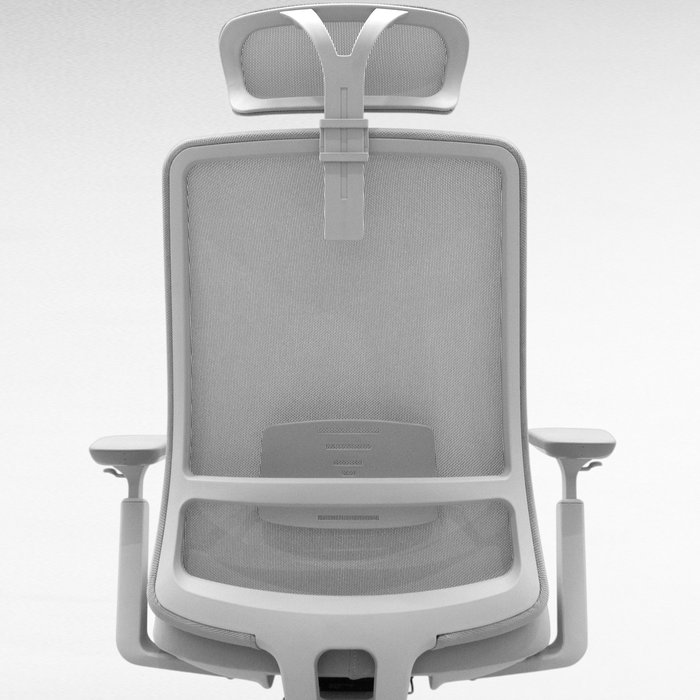
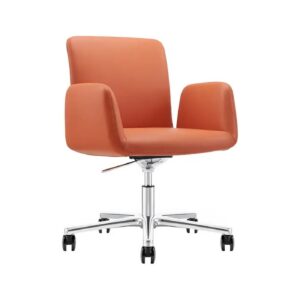
Ergonomics is treated here as a setup problem you can measure, not as a product category you can shop. The articles collected under this heading move outward in a deliberate order: from choosing a chair, to adjusting it, to the surface in front of it, and finally to the room it all sits in. Ergonomic office chair selection works through the mechanisms that actually matter for back and spinal health across a full working day. Choosing the right model for your body approaches the same purchase from the opposite direction — the person sitting in the chair rather than the specification sheet.
Adjustment is where most setups fail
A well-specified chair left at its factory settings behaves like a cheap one. Ergonomic chair adjustments takes seat height, lumbar support, armrest position and backrest angle in sequence, and explains what long uninterrupted sitting does to posture when those four are never touched. It is the article to read after a chair arrives, not before it is ordered.
The desk surface counts too
Seating is only half of a working position. Ergonomic keyboard and mouse selection deals with the load carried by the wrist, hand and arm, and with the habits that reduce the risk of conditions such as carpal tunnel syndrome for anyone who types for a living. These are the two pieces of hardware people touch most and budget for least.
Working from home changes the brief
In a corporate office someone else has already settled the lighting, the acoustics and the desk depth. At home, every one of those decisions lands on the person doing the work. Creating a comfort zone in your home office walks through turning an ordinary room into a space that can be worked in for eight hours without cost. For the same questions at office scale — layout, lighting, acoustics — see the Office Furniture archive.
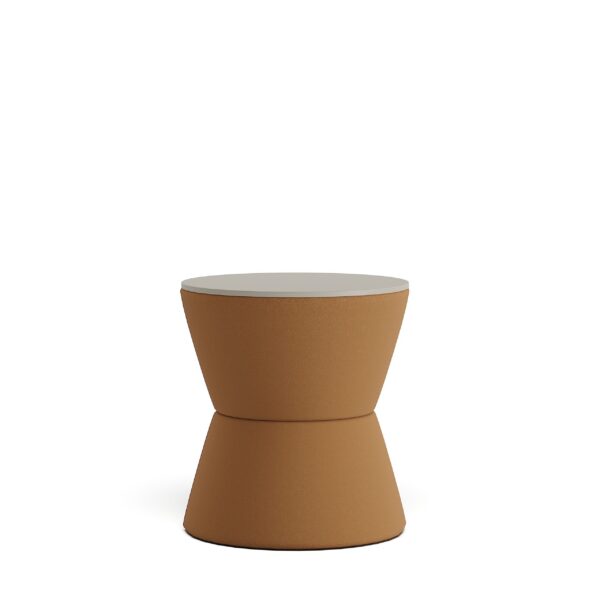 Creating a Comfort Zone in Your Home Office: An Ergonomic Solutions Guide
 Ergonomic Chair Adjustments: Body Posture for Long Sitting Periods
 Ergonomic Keyboard and Mouse Selection: Protect Your Wrist Health
 Attention When Buying an Ergonomic Chair: The Best Model for Your Body
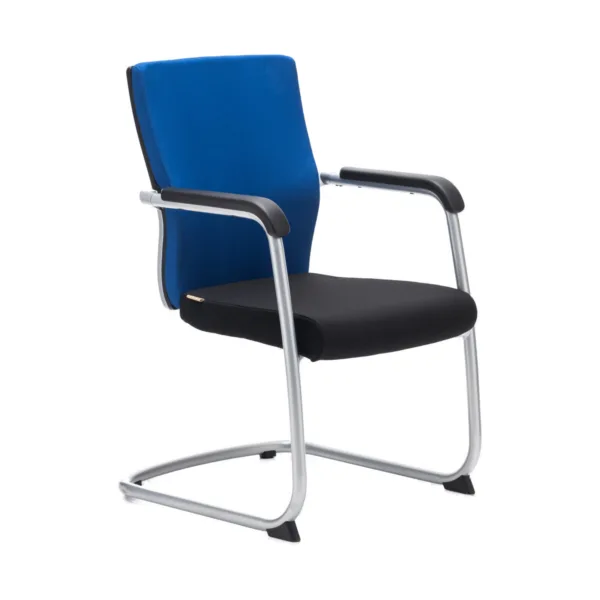 Ergonomic Office Chair Selection: A Comprehensive Guide for Back Health
Latest posts
@kavelafurniture