













24 March 2026
Creating a Comfort Zone in Your Home Office: An Ergonomic Solutions Guide
As working from home gains popularity, it's crucial for our home office to be not only functional but also comfortable and healthy. Long hours spent at a desk, poor posture, and unsuitable equipment can lead to various health issues. In this article, we will delve into the process of creating a comfort zone in your home office. With this ergonomic solutions guide, you'll find all the important steps, from choosing body-friendly furniture to adjusting your work habits.
Quick Answer: Creating a comfort zone in your home office is possible with an ergonomic office chair, an adjustable desk, correct monitor height, wrist-supported keyboard/mouse, and regular break habits; this preserves body posture and increases productivity during long work sessions.
The work-from-home model offers flexibility and convenience for many, but it also brings new challenges. Especially, correctly establishing your comfort zone in your home office is vital for your physical health and work efficiency. Incorrect sitting postures, unsuitable furniture, and inadequate ergonomic support can lead to serious health problems such as back pain, neck stiffness, and carpal tunnel syndrome. In this comprehensive guide, you will find all the ergonomic solutions and tips you need to create a comfortable and healthy work environment in your home office. Remember, your health and comfort are the foundation of your productivity, especially when considering office furniture in Turkey.
Ergonomic Office Chair: The Cornerstone of Comfort
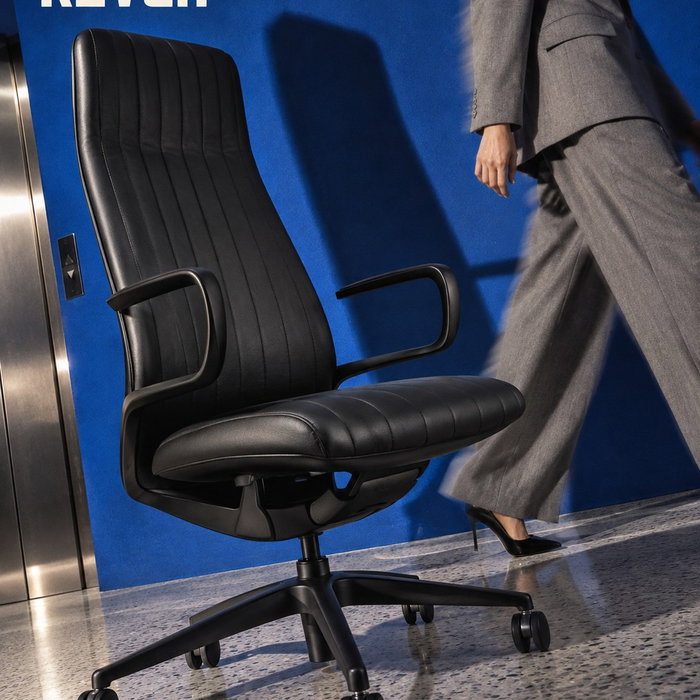
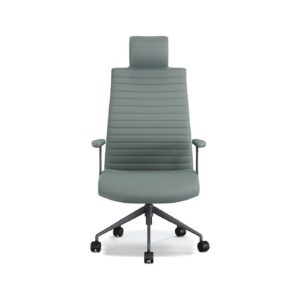
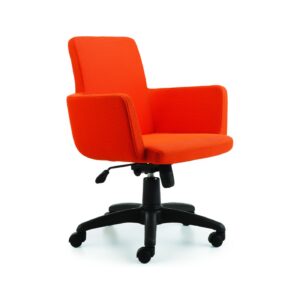
The starting point for comfort in a home office is definitely the right office chair. An ergonomic chair supports the natural curve of your spine, allowing you to maintain correct posture even during long periods of sitting. Choosing a chair with features like lumbar support, armrest adjustments, seat depth, and height adjustment reduces the load on different parts of your body. Ergonomic chair adjustments are critical for maintaining your body posture during prolonged sitting. When selecting your chair, you should choose a model that suits your body measurements and work habits.
Adjustable Desk: A Dynamic Work Experience
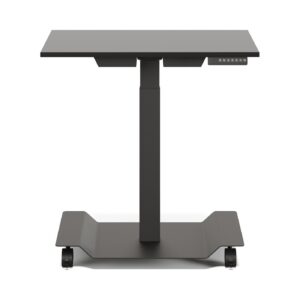
Sitting in a fixed position for long periods slows blood circulation and causes muscle fatigue. Adjustable desks offer an excellent solution to this problem. A desk that allows you to work sitting or standing enables you to change positions throughout the day. This dynamic working style keeps your muscles active, speeds up blood circulation, and keeps your energy levels high. Adjustable desks are an indispensable investment, especially for those seeking comfort in their home office.
Monitor Height and Position
Having your monitor at the correct height is crucial to prevent neck and shoulder pain. The top edge of the monitor should be at eye level, and the screen should be an arm’s length away from you. Monitor stands or adjustable monitor arms allow you to easily make this adjustment. If you use multiple monitors, ensure they are all at the same height and centered.
Ergonomic Keyboard and Mouse: Protect Your Wrist Health
Keyboard and mouse usage are factors that directly affect wrist and hand health. Standard keyboards and mice can hold your wrists in an unnatural position, leading to discomforts like carpal tunnel syndrome. Choosing an ergonomic keyboard and mouse is one of the most effective ways to protect your wrist health. Wrist-supported keyboards, vertical mice, or trackball mice keep your wrists in a neutral position, reducing pressure.
“Ergonomics in your home office is not just a luxury; it’s a necessity for your long-term health and productivity.”
Workspace Organization and Accessories
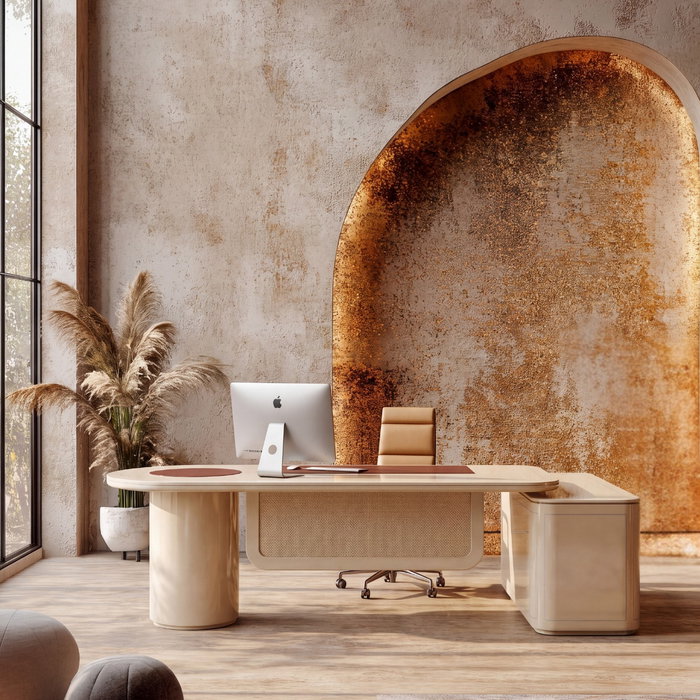
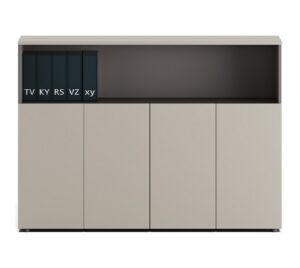
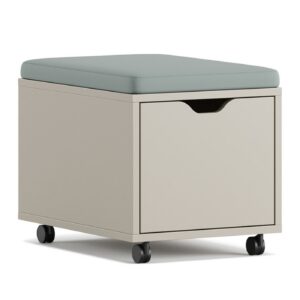
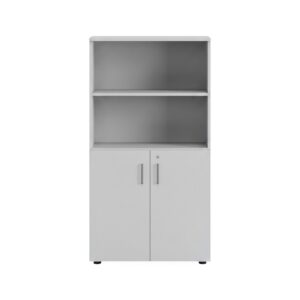
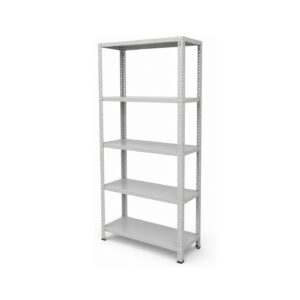
Comfort in your home office is not limited to furniture. The overall organization of your workspace and the accessories you use also play a big role. Use storage solutions to keep your files organized, and clear your desk of unnecessary items. Small plants or personal objects can add peace and inspiration to your work environment. Proper lighting is also important to prevent eye strain and increase focus.
| Ergonomic Solution | Benefit | Points to Consider |
|---|---|---|
| Ergonomic Chair | Spine support, posture correction | Adjustable lumbar support, armrests, height |
| Adjustable Desk | Sit/stand work option, blood circulation | Sufficient height range, stability |
| Monitor Riser | Reduces neck and eye strain | Position at eye level |
| Ergonomic Keyboard/Mouse | Protects wrist and hand health | Natural wrist position, wrist support |
Regular Breaks and Movement
Even the best ergonomic arrangements cannot be fully effective without regular breaks. Taking a short break every 30-60 minutes, standing up, stretching, and resting your eyes prevents muscle and mental fatigue. These breaks speed up your blood circulation, refresh your focus, and improve your overall well-being. Taking short walks or doing simple stretching exercises will make a big difference to your health in the long run.