
















24 June 2026
Cable Management on the Desk: Practical Solutions
When a computer, monitor, phone, lamp, and various chargers come together on a modern desk, cable clutter becomes inevitable. This...
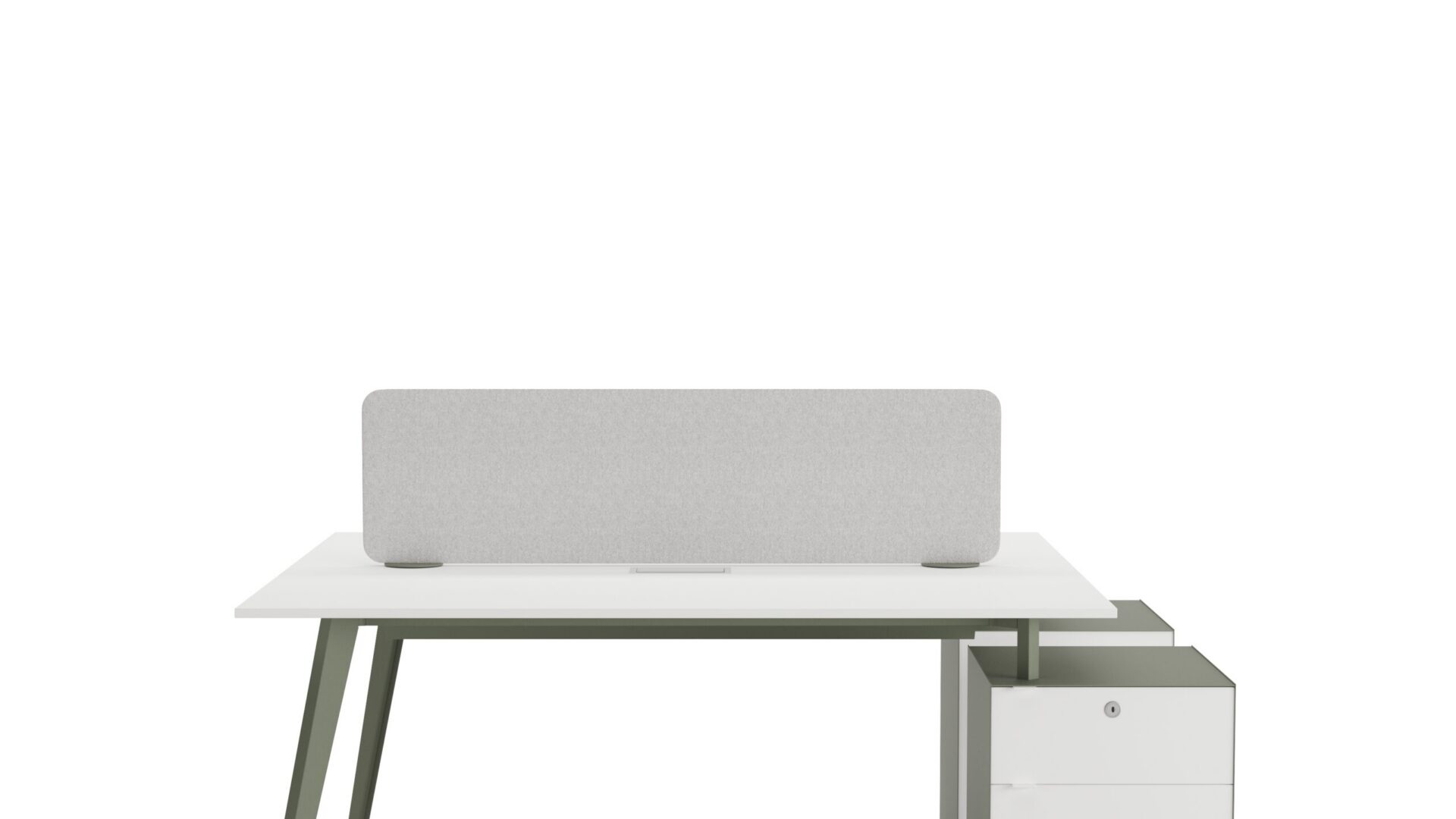
When a computer, monitor, phone, lamp, and various chargers come together on a modern desk, cable clutter becomes inevitable. This situation not only creates visual pollution but also reduces work efficiency and poses safety risks. Messy cables can lead to tripping, dust accumulation, and even electrical contact. For an aesthetic office environment and a safe workspace, cable management is a discipline that should not be overlooked. Here are concrete and effective methods you can apply to solve this problem.
Save Space with Under-Desk Cable Trays
One of the most fundamental and effective solutions for cable management is under-desk cable trays. These channels are profiles typically made of aluminum or hard plastic, with cross-sectional dimensions such as 40×80 mm or 60×100 mm. They are mounted to the underside of the desk surface using double-sided tape or screws. Multiple cables (power cable, HDMI, USB, ethernet) can be comfortably placed inside. For example, a 1.5-meter long channel can neatly accommodate 6-8 cables of 5 mm thickness. This method keeps cables approximately 2-3 cm off the floor, facilitating sweeping and cleaning, while also preventing them from getting underfoot. In open-plan office layouts, when multiple desks are connected, it is possible to integrate them with modular wall solutions like M2 Partition Wall System to conceal cables along the wall.
Facilitate Access with Desk-Mounted Recessed Sockets
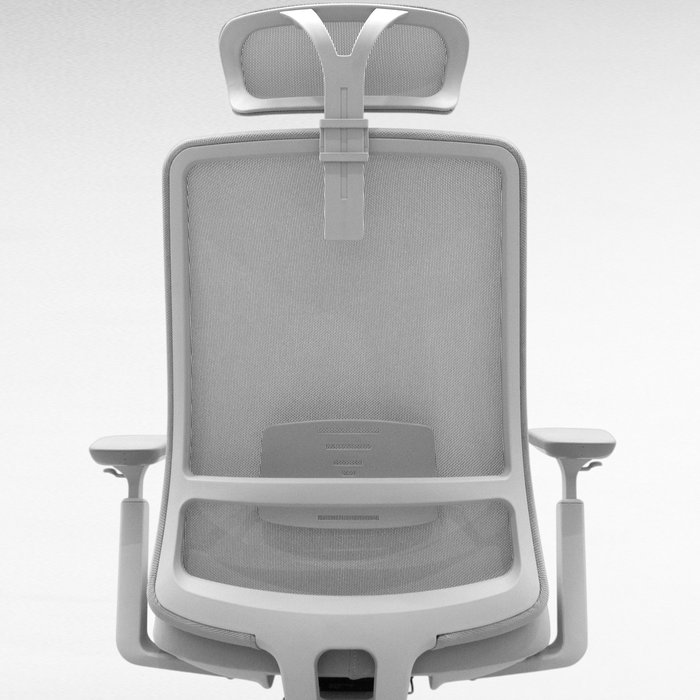
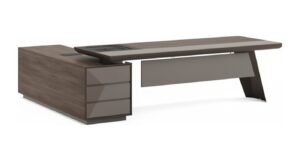
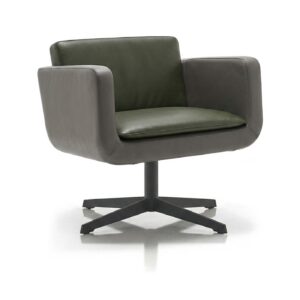
In situations where continuous power access is needed on the desk, desk-mounted recessed sockets are a much more professional solution than extension cords. These units, mounted into an 80 mm or 100 mm diameter hole drilled into the desk surface, typically offer 2 grounded sockets, 2 USB-A, and 1 USB-C charging port. For example, one recessed socket is sufficient for a 60 cm wide desk, while using two recessed sockets is more ergonomic for a 160 cm wide executive desk. These sockets allow charging devices with cable thickness not exceeding 4 mm without having to route them across the desk surface. Furthermore, when closed with a mechanical cover, they sit flush with the desk surface, creating a smooth finish. This way, a clutter-free workstation can be created, compatible with a minimally designed office chair like Escape.
Ensure Vertical Organization with Cable Clamps and Raceways
Cable clamps and raceways come into play where cables emerge from under the desk upwards towards the monitor or computer case. Self-adhesive plastic clamps are ideal for securing cables to a desk leg or monitor stand at 10-15 cm intervals. For example, a monitor’s power cable and HDMI cable can be gathered behind the monitor arm with two clamps, making them invisible. For thicker cable bundles, self-adhesive raceways measuring 25×25 mm or 40×40 mm can be used. These raceways protect cables from dust and impacts while creating a straight line along the desk leg. This method prevents cables from sagging and snagging, especially on height-adjustable desks. The organized vertical routing of cables is even easier with desks featuring a mesh substructure like Odda Web; the mesh openings serve as natural channels for passing cables.
Single Cable Usage with Multi USB-C Hub
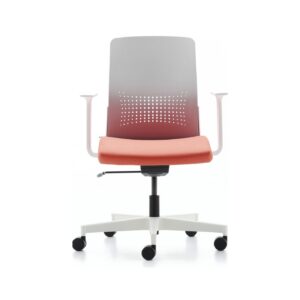
For laptop users, the most effective way to reduce cable clutter is to use a multi USB-C hub. A single USB-C cable (typically with a 20 Gbps data transfer speed) can provide connections for a monitor, keyboard, mouse, external hard drive, and Ethernet. For example, a hub supporting up to 8K resolution can also charge the laptop by delivering up to 100W of power. This leaves only one thick cable (going to the hub) and one power cable on your desk. Magnetic or Velcro-strapped attachments can be used to secure the hub under the desk or behind the monitor. This arrangement reduces the number of cables by 70%, ensuring your desk looks clean even when used with a mobile chair like Teddy Office Chair.
Bundle Cables with Cable Sleeves
To consolidate multiple cables into a single line, cable sleeves can be used. These sleeves, typically made of polyester or nylon, are available in different diameters from 10 mm to 30 mm. They can accommodate 3 to 8 cables. For example, a desk lamp, phone charger, and speaker cable can be gathered within a 15 mm diameter sleeve, creating a single line extending from one corner of the desk to the other. The biggest advantage of sleeves is that they protect cables from dust and friction while also providing visual coherence. They also reduce the risk of tripping by keeping cables together. Thanks to the zippered closures at both ends of the sleeves, cables can be easily added or removed.
Conclusion
Cable management on the desk is not just an aesthetic preference but also a critical practice for occupational safety and productivity. It is possible to reduce cable clutter by 80% with concrete solutions such as under-desk channels, recessed sockets, clamps, USB-C hubs, and cable sleeves. These methods extend the lifespan of your office furniture, shorten cleaning time, and increase your focus. Remember, an organized cable infrastructure is one of the cornerstones of a professional work environment.